¶ New User Install Guide
If you do not have the latest installer file for the RhinoDatabase, get it here
If you are looking to update the RhinoDatabase, go here. This is a guide for the first time installation
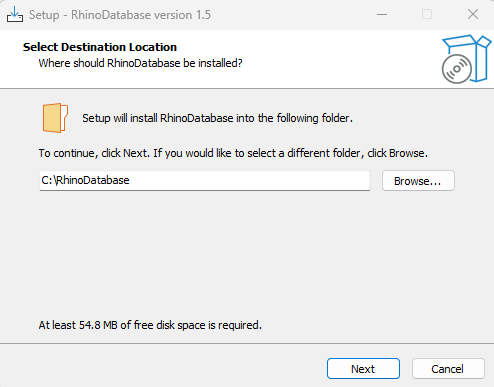
Run the installer. The first screen requests a folder to install the RhinoDatabase to. It is recommended to leave it as default.
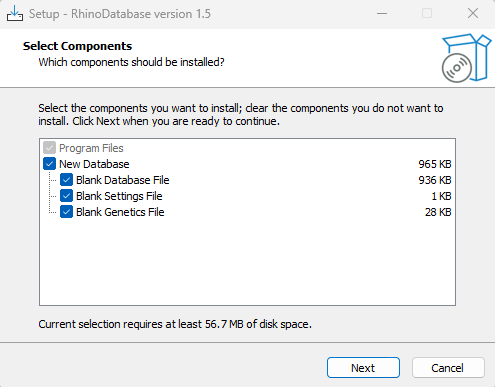
The second screen requests if you would like to install a blank database, settings file and genetics file. New users should select to install a blank copy of all three.
The third screen asks for the name of the Start Menu Shortcuts Folder. Recommended to leave it as default.
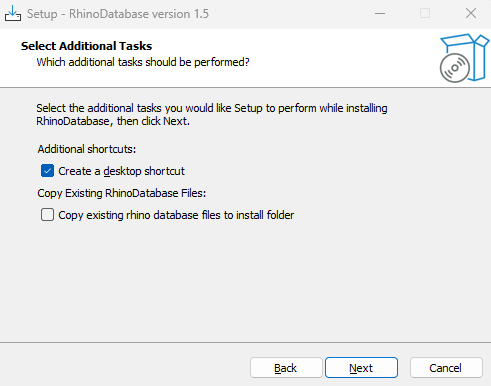
The fourth screen asks you to select additional tasks where the user can add a desktop shortcut and copy existing RhinoDatabase files. Do not select this option as you are a new user
Once on the final screen, you can select to launch the RhinoDatabase following the successful install.